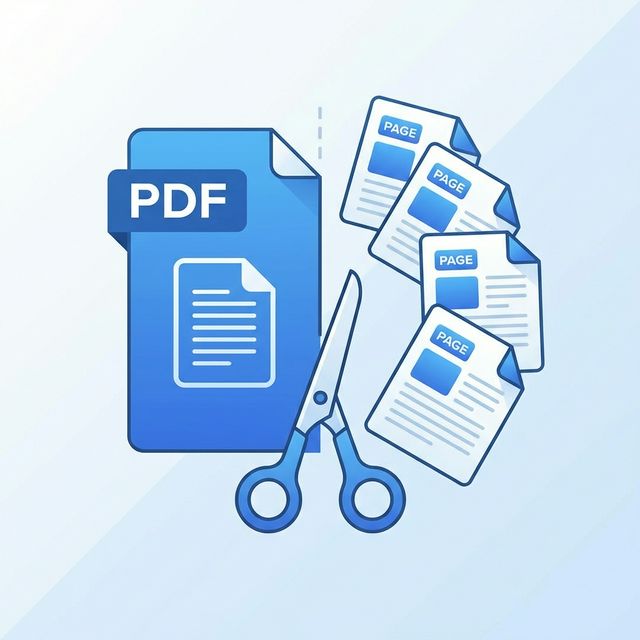
You've received a 50-page contract but only need pages 12–15 for a colleague. Or you've scanned a textbook chapter and want to pull out specific exercises for your students. Whatever the reason, knowing how to split a PDF into separate pages is an essential skill in any digital workflow.
In this guide, we'll show you exactly how to extract pages from a PDF online without installing any software — and why TransferPDF's browser-based tool is the safest, fastest way to do it.
Why Would You Split a PDF?
PDFs are designed to be a single, portable package. But that's not always practical. Here are the most common reasons people split PDFs every day:
- Email Attachments: Most email providers have a 25MB limit. Splitting a massive file into smaller chunks is the easiest workaround.
- Sharing Specific Sections: Instead of sending a full report, you can isolate only the pages that are relevant to the recipient.
- Organizing Archives: Break down large documents (like annual reports or manuals) into individual chapters for faster navigation.
- Legal & Compliance: Regulatory filings often require specific pages to be submitted as separate documents.
Step-by-Step: How to Split a PDF Online
Using TransferPDF's free Split PDF tool, you can extract any page or range of pages in under 30 seconds. Here's how:
Step 1: Upload Your PDF
Navigate to the Split PDF page and drag-and-drop your file or click "Choose File." Your document is processed entirely in your browser — nothing is uploaded to a server.
Step 2: Select Your Pages
You'll see a visual preview of every page in the document. Simply click to select the pages you want to
extract, or type in a custom range like 1-5, 8, 12-15.
Step 3: Download the Result
Click "Split & Download." Your new, smaller PDF is generated instantly and saved directly to your device.
Try It Now — Free & Secure
Split any PDF into individual pages with TransferPDF's browser-based tool. No uploads, no sign-ups.
Split Your PDF NowSplit by Pages vs. Split by Range
There's an important distinction between two common splitting methods:
- Split into Individual Pages: This takes a 20-page document and creates 20 separate 1-page PDFs. Ideal for archiving or when every page is a standalone item (like invoices or receipts).
- Split by Custom Range: You define the exact page numbers. For example, extracting pages 5–10 from a 100-page report creates a single, focused 6-page document.
TransferPDF supports both methods, giving you full control over the output.
Is It Safe to Split PDFs Online?
This is the most critical question, and we take it seriously. Many online tools upload your file to a remote server for processing. This means your sensitive data crosses the internet and sits on a server you don't control.
TransferPDF is different. Our Split tool uses 100% client-side JavaScript. Your file never leaves your browser. The entire process happens on your local machine, making it as safe as opening the file in your own PDF reader.
Advanced Tips for Power Users
- Merge After Splitting: Need to rearrange pages? Split first, then use our Merge PDF tool to combine them in your preferred order.
- Compress After Splitting: If each extracted page is still large (e.g., scanned images), run it through our Compress tool to shrink it further.
- Batch Splitting: If you have multiple documents to split, process them one after another — since everything is browser-based, there's no queue or wait time.
Conclusion
Splitting PDFs doesn't require expensive software or risky uploads. With TransferPDF's free, secure, and lightning-fast Split PDF tool, you can extract exactly the pages you need in seconds.
Ready to get started? Try our PDF Splitter or explore more tips and guides on our blog!