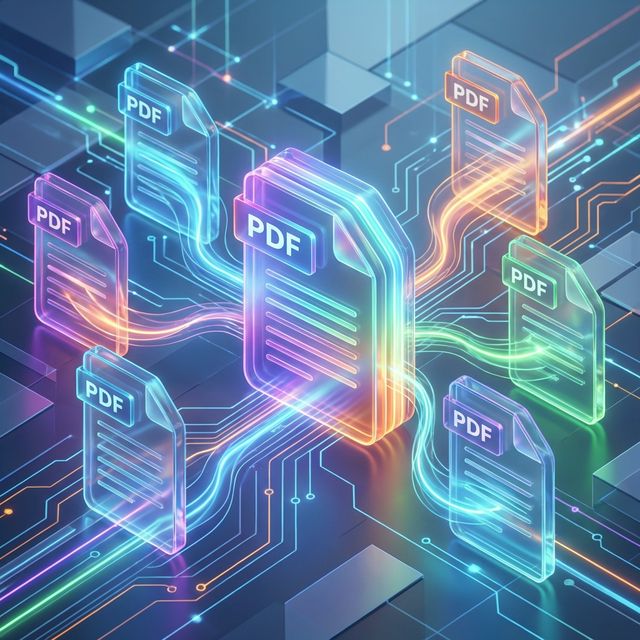
Merging multiple PDF files into a single document is one of the most common digital tasks performed by professionals and students alike. From compiling end-of-quarter project reports to organizing personal financial records for tax season, the ability to combine disparate files into a unified PDF is essential. However, as our lives and businesses move increasingly into the digital realm, the safety and privacy of these documents have become paramount. Merging shouldn't just be about convenience; it must be about security.
The Hidden Risks of the Modern Cloud
In the early days of the web, online tools were a novelty. Today, they are infrastructure. But there’s a significant hidden trade-off in the "Free Online PDF Tools" ecosystem. Most traditional online PDF mergers function by requiring you to upload your files to their remote servers. Once your document— which might contain legal contracts, health records, or sensitive corporate data—leaves your device, it enters a "black box."
Even if a service provider promises "auto-deletion after one hour," you are still placing absolute trust in their server security, their employee protocols, and their data retention policies. In an era of frequent data breaches and sophisticated phishing attacks, the safest file is the one that never leaves your local control. This is where the paradigm shift of browser-side processing comes in.
The Revolution of Browser-Side Processing
At TransferPDF, we believe that your data belongs to you. To uphold this principle, we leverage
cutting-edge web technologies like WebAssembly (WASM) and specialized JavaScript libraries like
pdf-lib. These technologies allow us to build fully functional PDF manipulation engines
that run entirely within your web browser's local sandbox.
When you use our Merge tool, your files are read into your computer's RAM. Our code performs the complex task of re-indexing the PDF object trees and appending pages locally. The resulting merged file is then prompted for download directly from your memory. At no point during this process does a single byte of your document's content travel to our servers. This "Zero-Server Access" model is the gold standard for modern privacy.
Try Local Merging Today
Combine your documents without the security risk. No uploads, just instant results.
Merge PDF FilesPrivacy as a Corporate Requirement
For many professionals in the legal, financial, and healthcare sectors, using server-based PDF tools isn't just a personal risk—it can be a violation of compliance regulations like GDPR, HIPAA, or CCPA. Standardized corporate IT policies often forbid the use of third-party cloud tools for document processing due to the lack of a clear audit trail and potential for data exfiltration.
By using a tool that operates locally in the browser, employees can maintain high productivity without compromising the company's security posture. It provides the same ease of use as a cloud tool but with the safety profile of local software.
Technical Nuances: How PDFs Merge
Merging a PDF is more complicated than simply "pasting" two files together. A PDF is a complex tree of objects, including resources like fonts and color spaces that may be shared across multiple pages. A naive merge would result in "font bloat" or broken internal links. Our engine performs a deep analysis of each file’s cross-reference (Xref) table, ensuring that resources are correctly mapped and duplicated fonts are consolidated where possible. This ensures your final merged document isn't just safe, but also optimized for size and performance.
Organization Best Practices: Beyond the Merge
To create professional-grade combined documents, consider these organizational tips:
- Consistent Page Labeling: If you're merging chapters of a book, ensure your source files have a consistent layout so the final document flows logically.
- Bookmark Integration: A 50-page merged document can be hard to navigate. High-end merging tools can preserve original bookmarks, allowing for a clickable Table of Contents in the final PDF.
Stay tuned to our blog for more tutorials on maintaining a secure and efficient digital workflow!