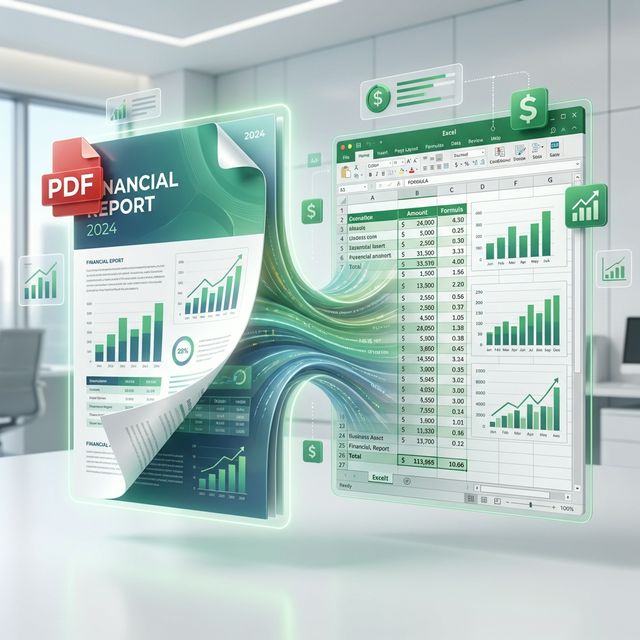
Every year, billions of collective hours are lost to the grueling task of manual data entry. We’ve all been there: staring at a beautifully formatted PDF report, wishing we could just "grab" the data and pull it into an Excel spreadsheet for analysis. Whether you’re an accountant reconciling hundreds of bank statements, a data scientist extracting survey results from academic papers, or a logistics manager tracking shipments, "the table struggle" is a universal pain point in the modern office. But why is it so hard, and how can we master the art of conversion?
The Structural Gap: Visual vs. Logical Data
To understand why PDF-to-Excel conversion is a technical challenge, we have to look at how these two formats "think." A PDF is fundamentally a visual format—it is "digital paper." It stores the exact X and Y coordinates of every character on a page. It knows that the number "450.00" should be placed 3 inches from the top and 4 inches from the left, but it has no inherent concept that this number belongs to a specific "Total" column or a "January" row.
Excel, on the other hand, is a logical format. It is a grid of cells with strict parent-child relationships. When you copy-paste from a PDF, you are often just grabbing a string of characters in the order they appear in the file’s internal stream, which rarely matches the visual columns. This is why your pasted data often looks like a jumbled mess of text in a single cell.
The Science of Table Reconstruction
Modern extraction engines, like the one powering TransferPDF, don’t just "read" text; they perform complex geometric analysis. The process involves several sophisticated steps:
- Line Detection: The engine looks for horizontal and vertical vector lines that define the borders of a table.
- Whitespace Analysis: In documents where tables don't have visible borders (like many financial statements), the engine analyzes the "gutters" of empty space between columns to infer where one category ends and the next begins.
Unlock Your Data
Don't waste another hour typing. Convert your tables to Excel with 99% accuracy.
Convert PDF to ExcelOCR: Converting the "Unconvertible"
Sometimes, a PDF is just a "picture" of a document—a scan from an old printer or a photo taken with a smartphone. These files contain no selectable text at all. In these cases, Optical Character Recognition (OCR) is the hero. OCR uses machine learning to identify the shapes of letters and numbers.
The latest OCR models are incredibly accurate, even with slightly blurry text or complex fonts. At TransferPDF, we integrate high-performance OCR to ensure that even your legacy paper archives can be transformed into dynamic, editable spreadsheets.
Check out our tool library for more ways to optimize your document management strategy!