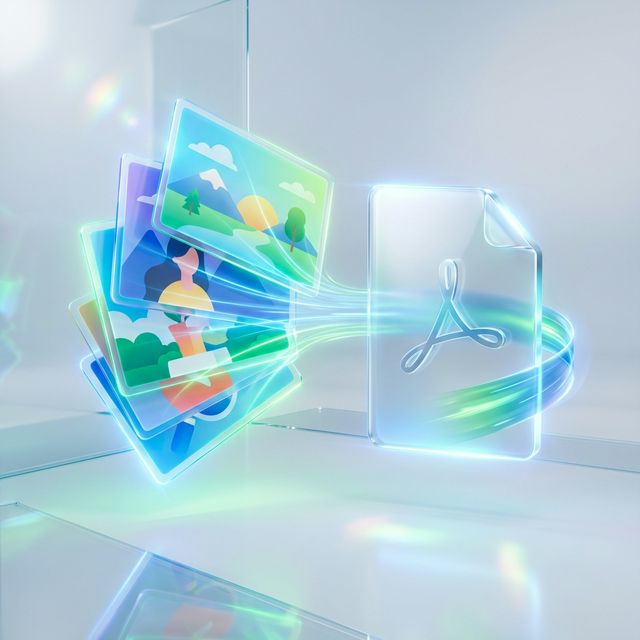
We've all been there: you have a collection of receipts, family photos, or scanned documents saved as separate image files, and you need to send them as a single, professional document. Searching for a JPG to PDF converter often leads to bulky software downloads or expensive subscriptions. But did you know you can convert image to PDF in seconds, entirely in your browser?
At TransferPDF, we've built a streamline tool that allows you to merge JPG into PDF without the headache of "middleman" software. This guide will show you exactly how to do it while keeping your images sharp and your data secure.
The Advantage of PDF over JPG
Why bother converting your images to PDF in the first place? While JPG is great for viewing individual photos, PDF offers several professional advantages:
- Unified Sharing: Instead of sending 10 separate image attachments, you send one clean file.
- Print Accuracy: PDFs maintain their layout and margins across any printer in the world.
- Text Recognition (OCR): Once an image is in a PDF, it can be processed for text searching and selection.
- Security: PDFs allow for password protection and encryption, which standard JPG files do not support.
Why "No Software Needed" is a Game Changer
In the past, converting images required specialized tools like Adobe Acrobat. Today, modern web technologies allow us to process your images directly on your device. This means:
- No Installation: Works on school computers, office laptops, and mobile phones.
- Privacy First: Your images don't have to live on a server. Processing happens locally in your browser cache.
- Instant Speed: No waiting for a bulky application to boot up.
Try Our Image to PDF Converter
Drag, drop, and convert your photos into professional PDFs instantly.
Convert JPG to PDF NowHow to Merge JPG into PDF: A Step-by-Step Guide
Ready to combine your images? Just follow these simple steps:
- Visit TransferPDF: Navigate to our JPG to PDF tool.
- Upload Your Images: You can select multiple JPG, PNG, or TIFF files at once.
- Arrange Your Order: Drag and drop the thumbnails to put your pages in the correct sequence.
- Customize Pages: Choose your margin size, page orientation (portrait or landscape), and paper format (A4 or US Letter).
- Generate and Download: Hit the "Convert" button and your download will start automatically.
Tips for the Best Conversion Quality
To ensure your PDF looks its best, follow these quality-control tips:
- Use High-Resolution Originals: If your JPG is blurry, the PDF will be too. Start with at least 300 DPI for printed documents.
- Watch File Sizes: If you are merging 50 high-res photos, the resulting PDF might be large. You can use our Compress PDF tool afterwards to optimize it for email.
- Consistent Lighting: If you are taking photos of paper documents with your phone, try to use natural light to avoid harsh shadows that can obscure text.
Security and Privacy
When you use TransferPDF to convert image to PDF, your privacy is our top priority. We use HTTPS encryption for all transfers, and most of our processing is done client-side. This means your private photos and sensitive documents remain under your control.
Conclusion
Managing your digital assets shouldn't be complicated. By using an online JPG to PDF converter, you can simplify your workflow and present yourself more professionally to clients, teachers, and colleagues. No software, no cost, no hassle.
Looking to do more with your PDFs? Check out our guides on Compression and Secure Merging!